Research Tips
Trace Documents
26 August 2026
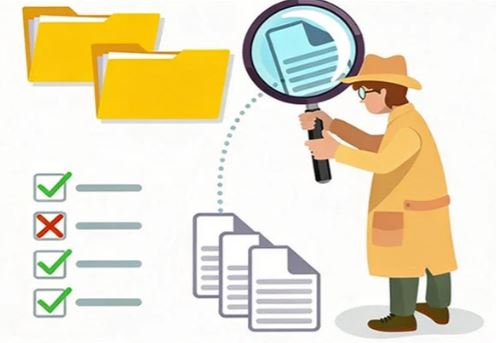
Within the Author Writing Portal you have the ability to attach you trace documents.
It is for supporting research material only — including source documents, working notes, screenshots, spreadsheets, etc. These attachments never appear in the public Story.
- Each attachment records its original filename, uploader and upload date/time, and the attachment is also recorded in the Story Journey Audit Log.
- Multiple Trace files can be attached to the same Story.
- Supported formats are PDF, DOC, DOCX, XLS, XLSX, JPG/JPEG and PNG.
- The current limit is 5 MB per file.
- Files are stored privately rather than in the normal public Media Library. Downloads go through an authenticated handler, so there is no public URL.
- There is currently no delete/remove button in the Writing Portal for an individual Trace file. Once attached, it stays with the Story unless dealt with administratively.
- There is also no description/category field per file at present — essentially the filename is its label.
- It does not inspect, extract or display the contents of the attachment inside the editor. It is simply supporting evidence that can be downloaded by the reviewer and admins, to be checked.
- At final Story archiving, the system will upload the final Story DOCX and every Trace file to the configured to the Friends of Horton Cemetery Google Drive repository.
- Importantly, the local Trace files are deleted only after every archive succeeds. If archiving fails, we keeps the local Trace material so the archive can be retried.